Describe a clearly adult fictional subject, setting, action and camera direction. Keep the scene original and within the Content Guidelines. Avoid private facts or an unauthorized real-person likeness.
Text input, video output
| Input | Original text prompt describing a fictional adult scene and motion |
|---|---|
| Output | A new generated video from the selected setup |
| Free starting balance | 25 free Credits after registration and sign-in, usable for images or videos. Compare the request cost with your balance. |
| Pricing | The cost beside Generate applies to the selected model and settings. |
| Safety | Clearly adult participants and informed consent for any real-person source. |
Model limits and output rights
Model and output limits
Model safety rules determine whether a request can run. Explicit-content support and output controls vary by model. Direct video continuation and other advanced features may be unavailable.
AI output can contain errors or third-party material. Input permissions and rights to distribute or use the result commercially remain your responsibility; generation alone does not clear those rights.
Create a scene from your own words.
Text to porn video starts with an original scene rather than a photograph. Establish who is in the opening frame and what changes during the shot. NSFW requests remain subject to the chosen model’s safety rules.
Turn a written idea into a video request
Separate the opening composition, the action and the camera. Each instruction should change something you can see in the finished shot.
- 01
Describe the opening frame
Name a clearly adult fictional subject, the setting and where the camera begins. Add clothing, light or mood only where it helps describe the shot.
- 02
Choose one action
Separate subject movement from camera movement. A pause, turn or slow track gives you a concrete result to compare.
- 03
Check the model and submit
Choose the available duration, aspect ratio and resolution. Review the Credit estimate, sign in and submit once; follow the task in History.
Three ways to direct a written scene
These illustrative references pair a composition with a camera brief. The prompt is a suggested direction, not a record of how the reference was generated.
Swipe to compare the three examples.
Follow an adult performer
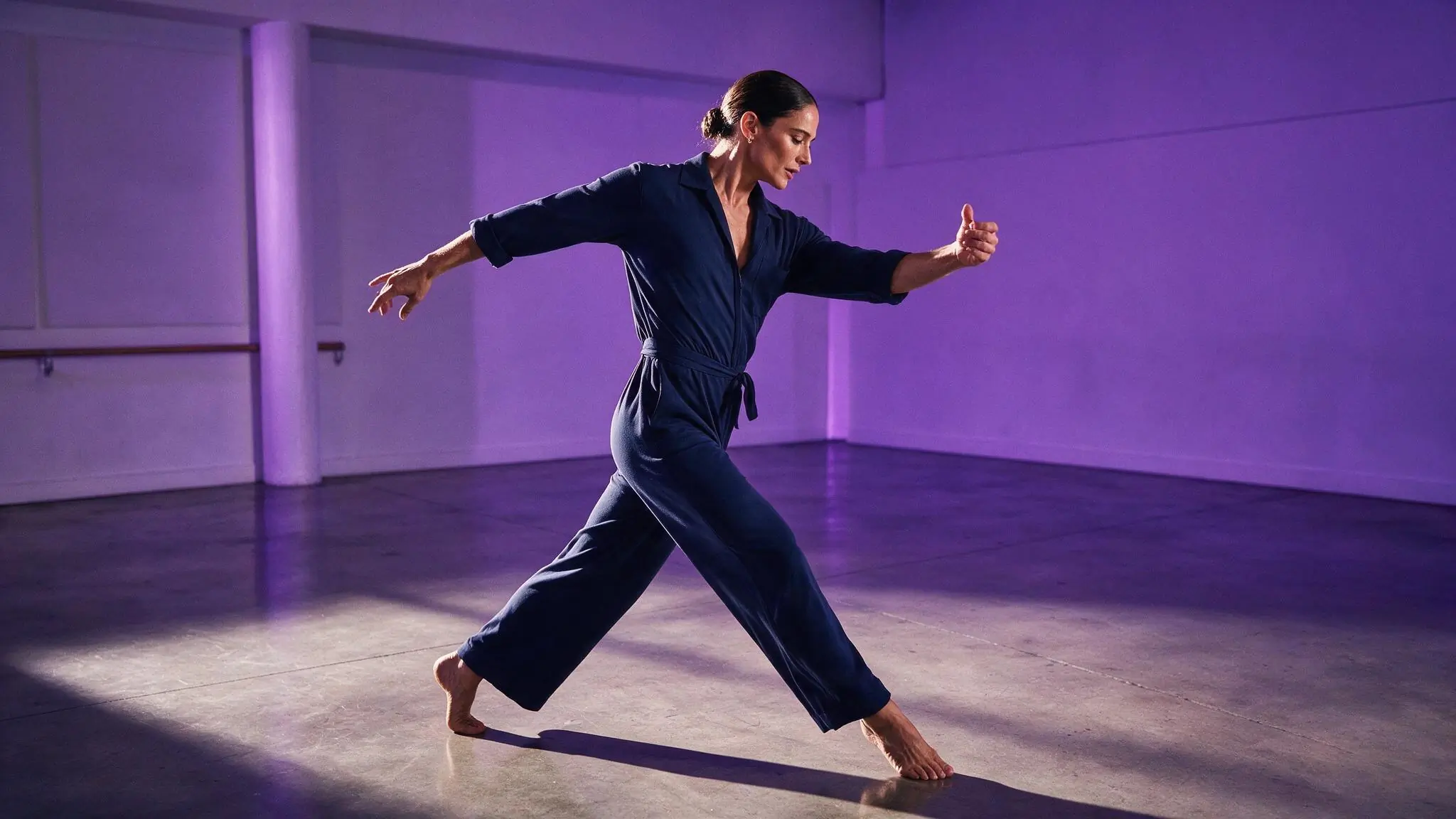
PromptA fictional adult performer walks across a softly lit rehearsal room; side-tracking camera, measured pace, simple background.
One subject movement and one camera instruction keep the brief easy to evaluate.
Approach an opening scene
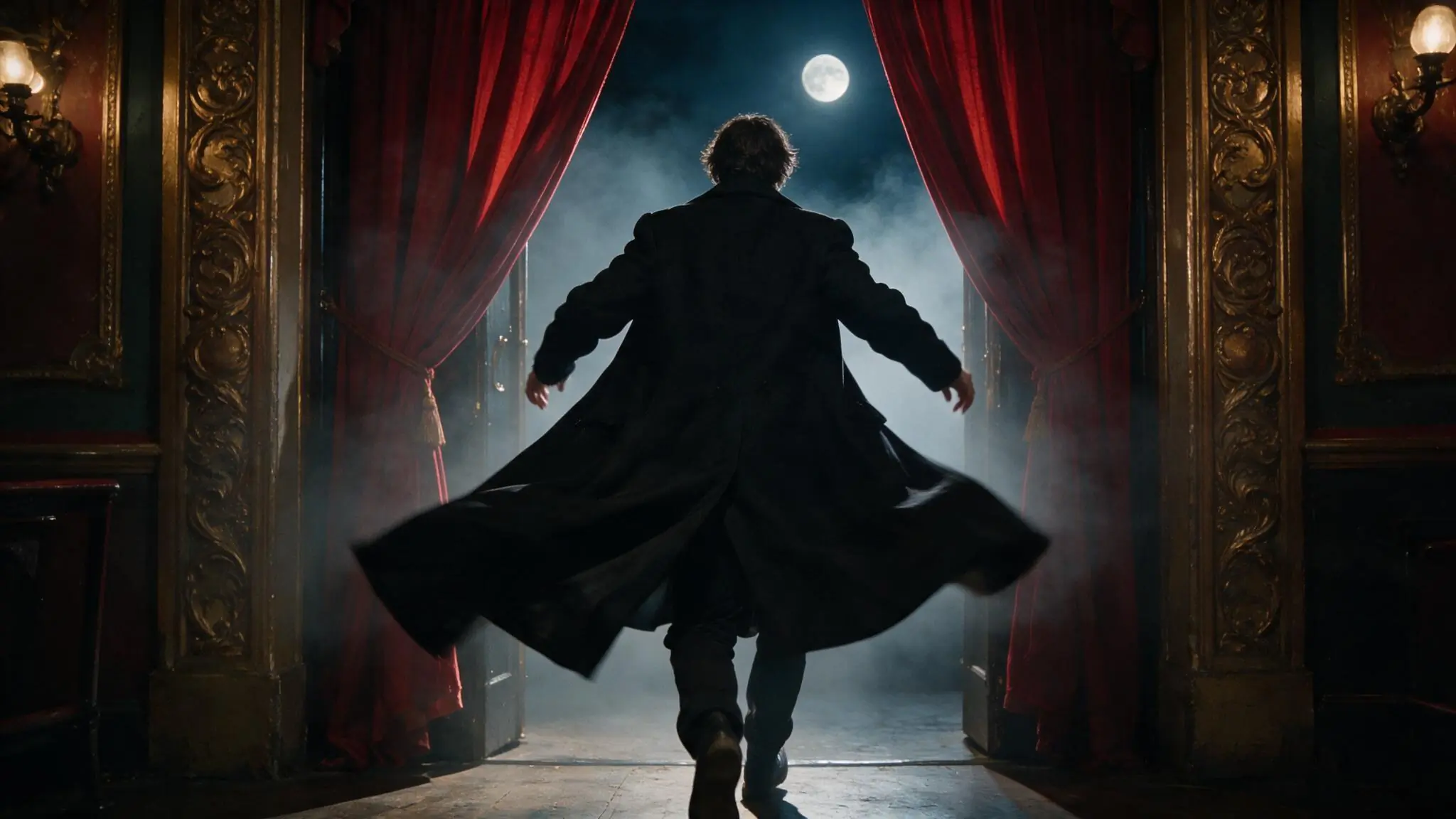
PromptA fictional adult actor steps through red theater curtains; slow dolly-in, warm stage light, a steady composition.
The camera moves toward the subject rather than adding several competing actions.
Keep the camera still
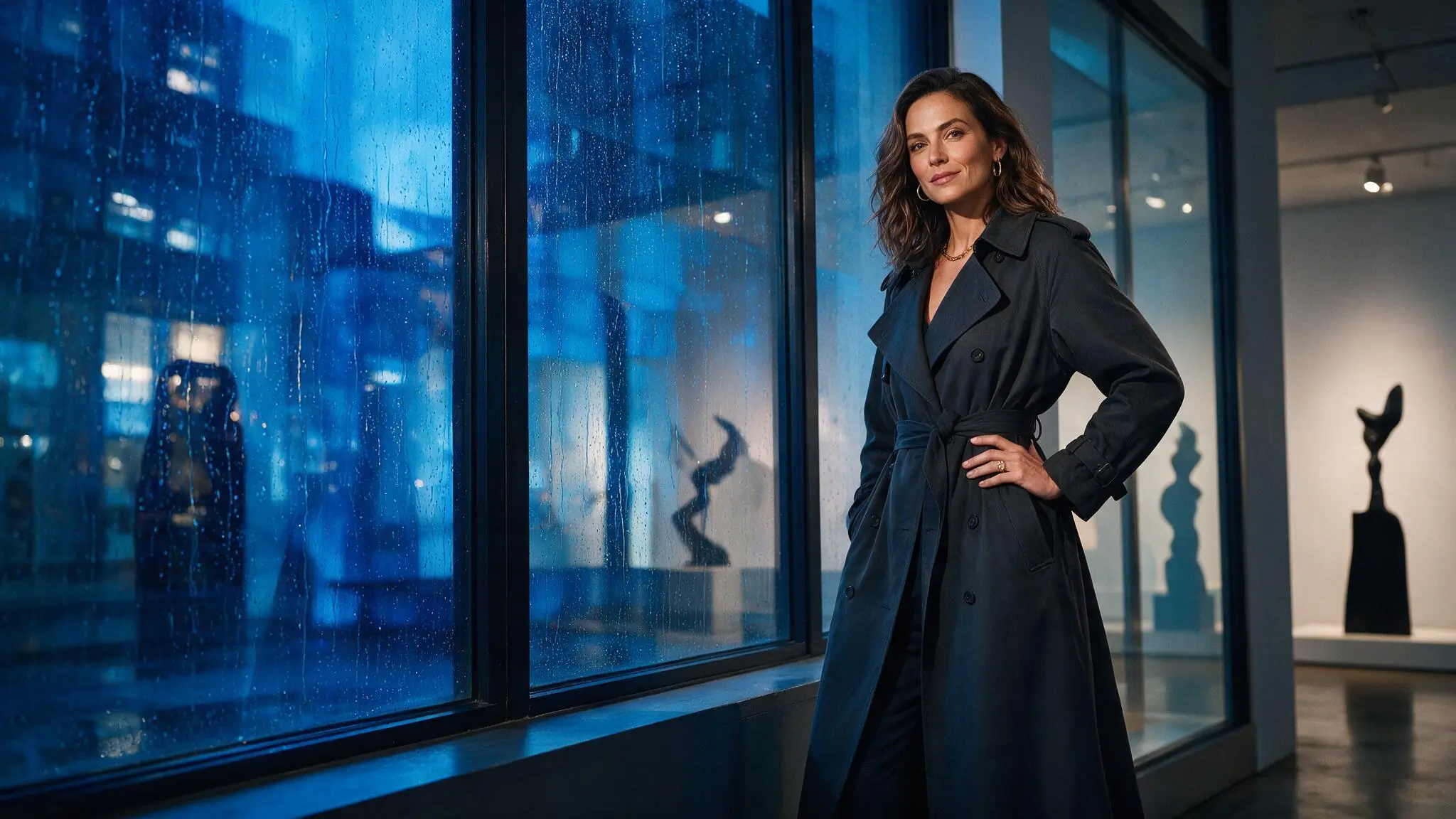
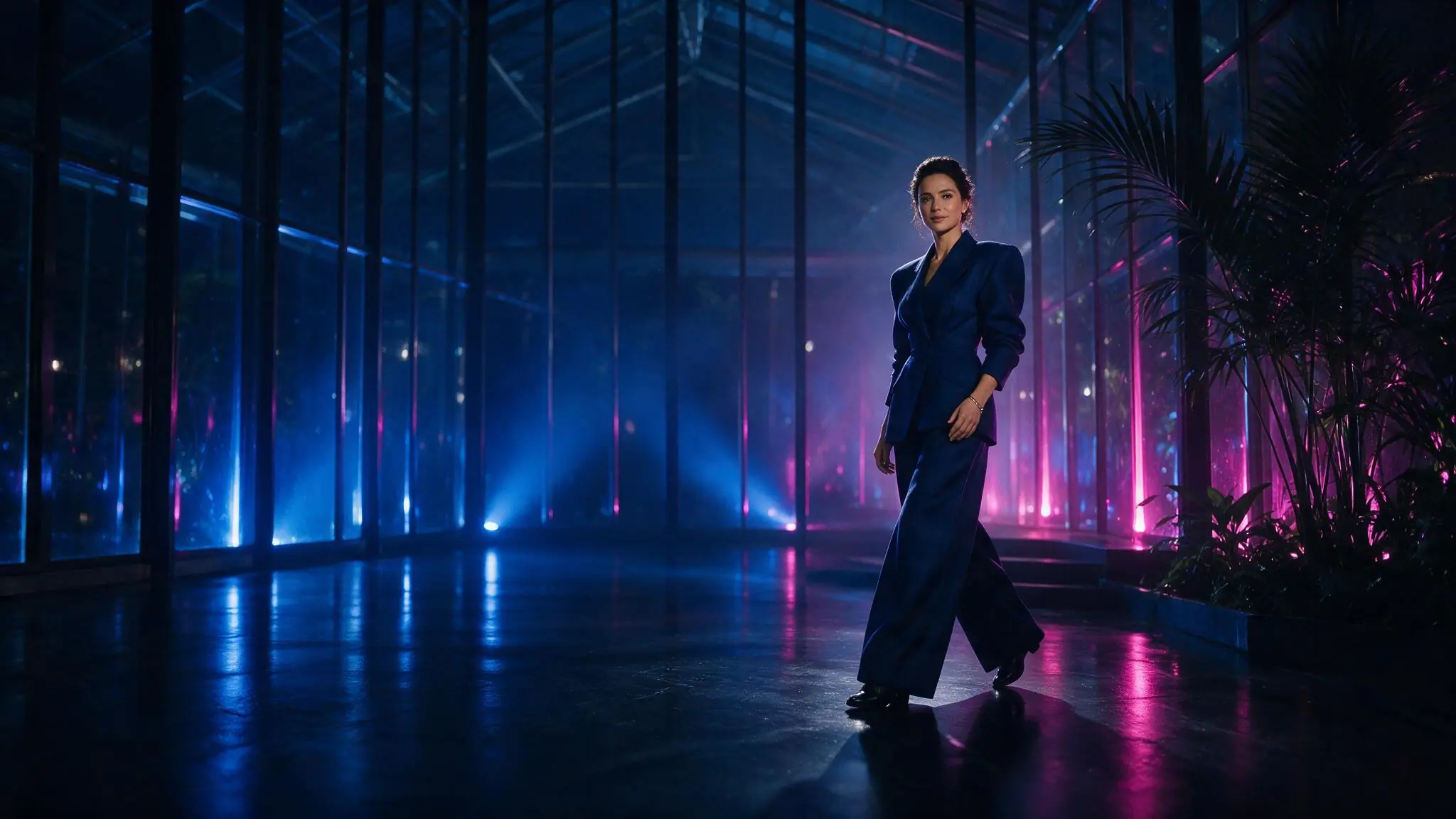
PromptA fictional adult artist stands in a blue-lit pavilion; locked wide frame, a slight change of posture, calm reflected light.
A fixed frame makes small changes visible without asking for a camera move.
Choose settings around the shot
Match the crop and duration to the action. For a useful comparison, keep the model and output options the same between attempts.
| Goal | Focus on | Why it helps |
|---|---|---|
| Test an idea | A short available duration | Start with one movement before committing to a longer request. |
| Frame a portrait | A supported portrait aspect ratio | Keep the subject inside the intended crop. |
| Show the environment | A supported wide aspect ratio | Leave room for the action and camera direction. |
| Compare revisions | The same model and output setup | Changing one prompt detail makes differences easier to assess. |
When the video misses your brief
Find the mismatch before rewriting the whole prompt. Use a new request for creative changes; use History for unresolved task status.
- Too many things happen
- Remove secondary actions and describe one visible change.
- The scene looks inconsistent
- Use one setting and one light direction rather than several styles.
- Movement feels excessive
- Ask for a slower pace or a fixed camera in a new request.
- The task does not finish
- Check the existing task in History before submitting again.
Text to Video questions
Answers specific to this tool and its input.
No. Each model has its own safety controls and may decline a request. Adult participation, consent and Content Guidelines apply even when the subject is fictional. Accepted requests can still produce an unexpected result.
Select from the options shown for the current model. Available combinations can change; check the complete setup and Credit estimate before submitting.
First check its status in History. A slow request or lost browser connection does not confirm failure, and another submission can create a separate paid task.
Sign in and compare the cost beside Generate with your balance. If it is too low, choose a lower-cost setup or review the paid options in Pricing. Do not submit another request while a previous task is unresolved.
The tool cannot accept a request without a model. Try another creation tool or return later. If the list failed to load, use the retry action before changing your prompt.
Write the scene. Review the setup.
Put the opening scene and action in your prompt, then choose the shot settings above.