Describe a clearly adult fictional subject, the composition and light. Keep the concept original and within the Content Guidelines; model support for explicit requests varies.
Text input, image output
| Input | Original text prompt describing a fictional adult subject |
|---|---|
| Output | A new generated image to review, save, or use in an available Image to Video setup |
| Free starting balance | 25 free Credits after registration and sign-in, usable for images or videos. Compare the request cost with your balance. |
| Pricing | The cost beside Generate applies to the selected model and settings. |
| Safety | Clearly adult participants and informed consent for any real-person source. |
Model limits and output rights
Model and output limits
Model safety rules determine whether a request can run. Explicit-content support and output controls vary by model. Direct video continuation and other advanced features may be unavailable.
AI output can contain errors or third-party material. Input permissions and rights to distribute or use the result commercially remain your responsibility; generation alone does not clear those rights.
Create an adult image from a written concept.
The NSFW AI image generator turns a written concept into a new adult still. Give the subject a deliberate place in the frame, then describe the light and setting. A saved image can stand on its own or become the source for a separate video request.
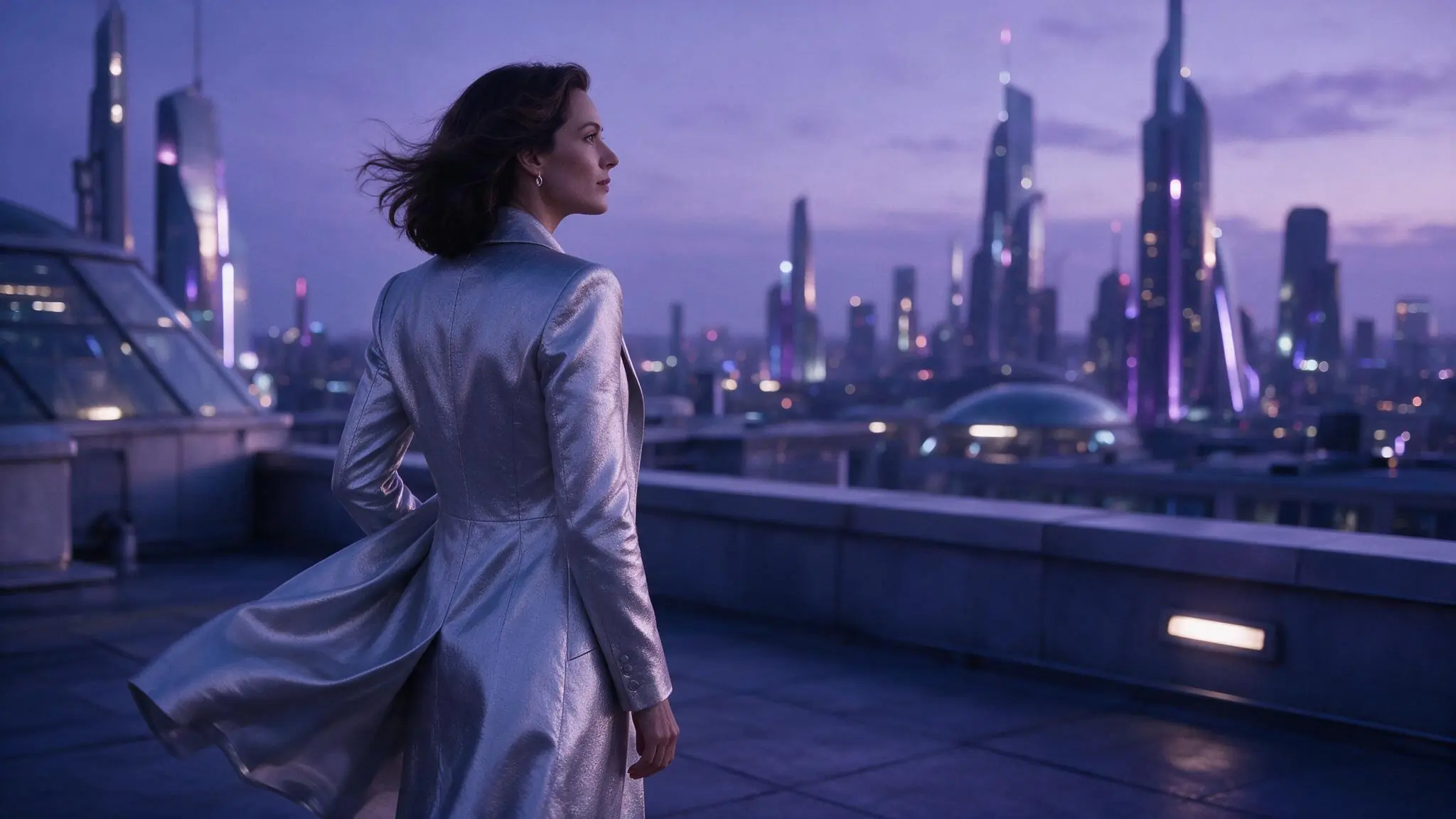
Compose the image before detailing it
Compose the image before adding decorative detail. A crop and one focal point give the prompt a clear order.
- 01
Set the subject and crop
Name a clearly adult fictional subject and the composition. Choose what should be visible and what can stay outside the frame.
- 02
Add one visual direction
Describe the light, palette and background in support of the subject. Avoid competing style references.
- 03
Save before moving to video
Review the generated image. If you animate an authorized result, choose a separate video setup and check its cost.
Three composition ideas for a still
These illustrative references show three composition choices. The suggested prompts explain the framing; they are not verified generation records.
Swipe to compare the three examples.
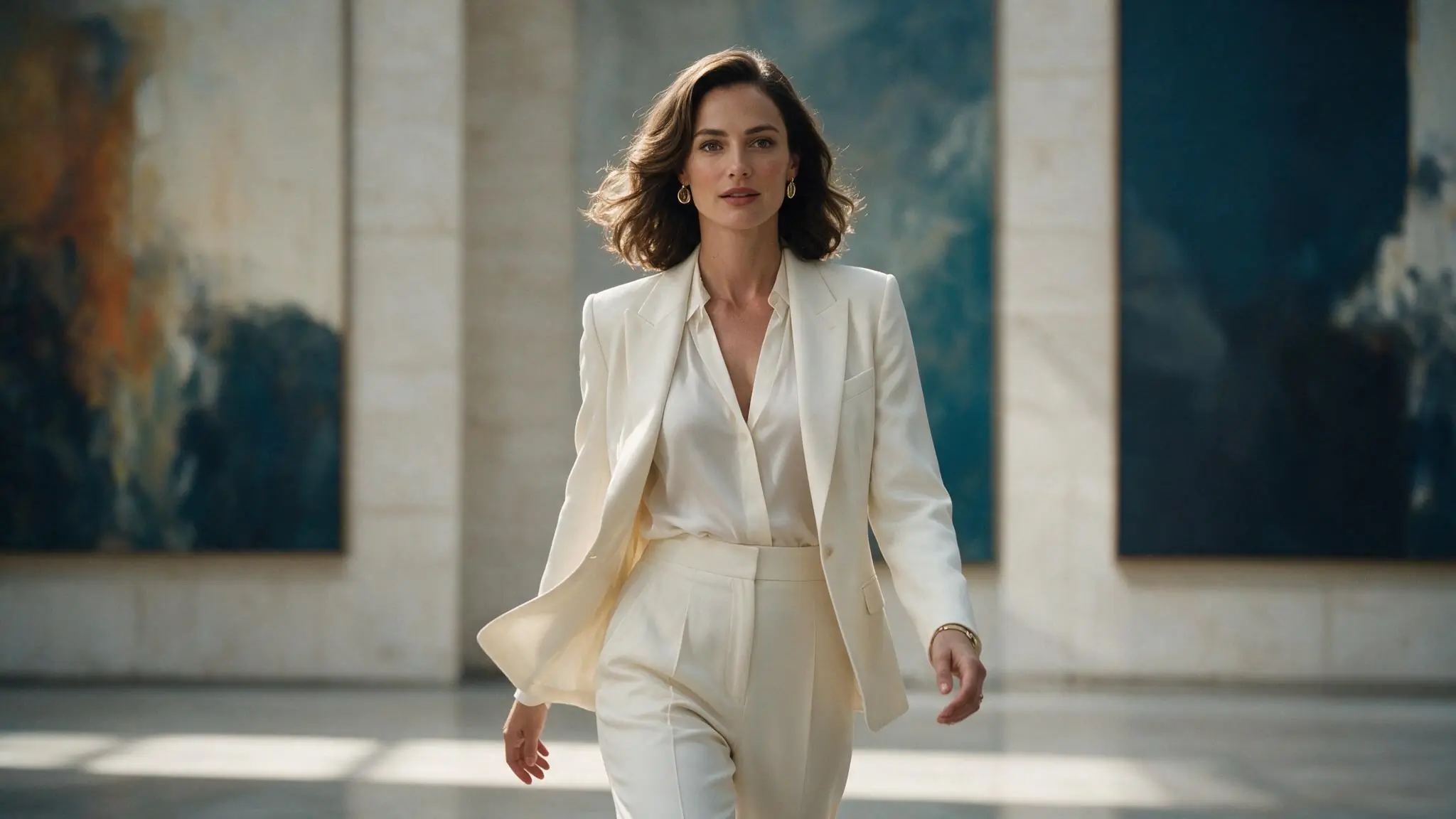
A centered portrait
PromptFictional adult gallery artist in a tailored ivory suit; centered medium portrait, soft daylight, a quiet blue background.
Subject and crop come before decorative detail.
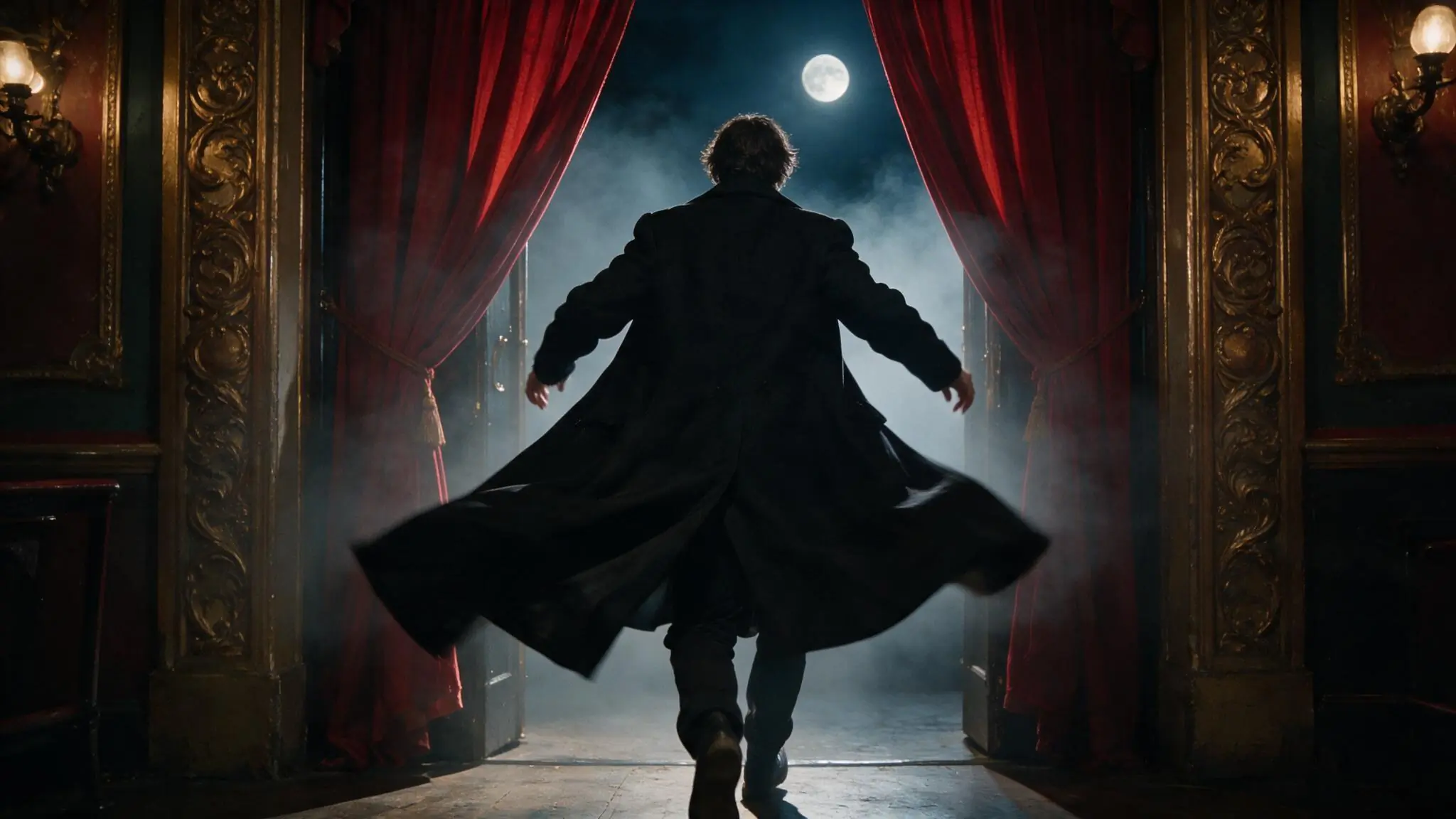
A wide silhouette
PromptFictional adult stage performer seen from behind; wide symmetrical theater frame, red curtains, soft haze.
A simple silhouette gives a wide image a focal point.
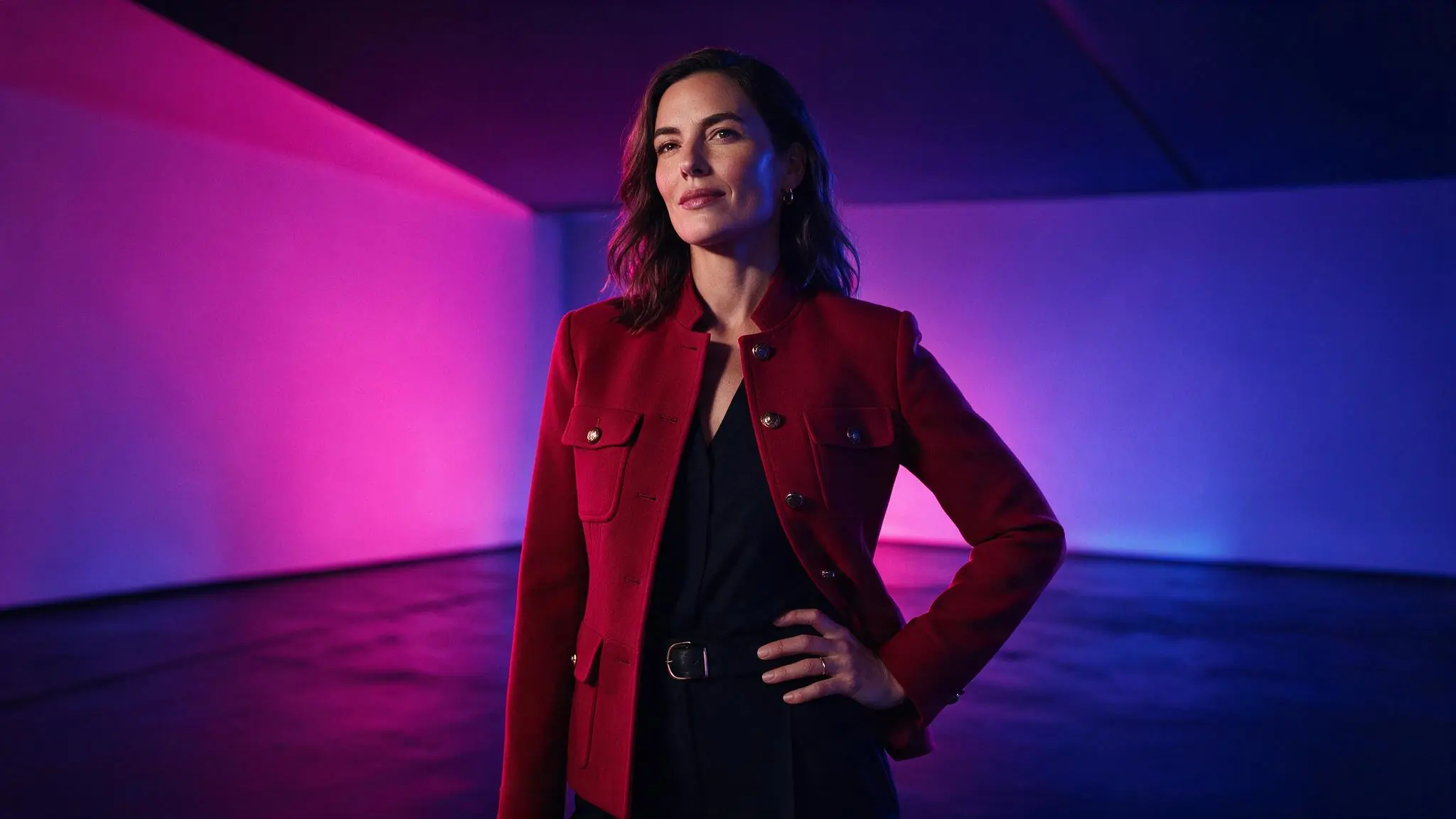
A limited-color portrait
PromptFictional adult creative director in a crimson jacket; three-quarter portrait, magenta and blue studio light, simple background.
A small palette keeps the visual instruction coherent.
Choose a canvas for the image
Aspect ratio and resolution should fit the intended image. Use the current model’s controls and compare the Credit estimate after changes.
| Goal | Focus on | Why it helps |
|---|---|---|
| Make a portrait | A supported portrait canvas | Leave enough room for the intended crop. |
| Show a setting | A supported wide canvas | Give the background a deliberate role. |
| Prepare a video source | A clear subject and composition | A readable saved frame is easier to inspect before animation. |
| Compare ideas | The same model and canvas | Change the written concept without changing the whole setup. |
Simplify a weak composition
If the image misses the idea, revise the hierarchy first. Adding more adjectives can create more conflict.
- No clear focal point
- Lead with one subject and say where it sits in the frame.
- Too many competing details
- Remove objects, styles or lighting directions that do not support the subject.
- The crop cuts off important details
- Review the selected canvas and describe the required framing.
- You want to animate the result
- Save and inspect the image, then open a supported Image to Video workflow with a separate motion prompt.
Text to Image questions
Answers specific to this tool and its input.
A completed image you are authorized to use can be a source when the selected video setup supports it. Animation is a separate request with separate settings and Credits.
No. Resolution does not guarantee anatomy, identity or prompt accuracy. Check the available setting, estimate and actual result.
Generation does not automatically clear commercial rights. Review input permissions, the applicable plan or model terms and any third-party rights before use.
Yes. Image and video requests use the same Credit balance, but each has its own estimate. Saving an image does not include a later animation; that is a separate request.
This tool cannot generate an image until a compatible model is listed. You can prepare a prompt, try another creation tool or return later. A failed model-list request has a retry action.
Give the image one clear direction.
Give the subject a place in the frame, then choose a canvas.