Name one intended change and the visible qualities that should remain important. Keep the source authorized and the request within the Content Guidelines.
Source image, new edit
| Input | Authorized source image of consenting adults and an editing prompt |
|---|---|
| Output | A new generated image guided by the source and requested edit; exact preservation is not guaranteed |
| Source image | Use the image formats and file size accepted by the selected setup; check the requirements in the form. |
| Free starting balance | 25 free Credits after registration and sign-in, usable for images or videos. Compare the request cost with your balance. |
| Pricing | The cost beside Generate applies to the selected model and settings. |
| Safety | Clearly adult participants and informed consent for any real-person source. |
Model limits and output rights
Model and output limits
Model safety rules determine whether a request can run. Explicit-content support and output controls vary by model. Direct video continuation and other advanced features may be unavailable.
AI output can contain errors or third-party material. Input permissions and rights to distribute or use the result commercially remain your responsibility; generation alone does not clear those rights.
Edit an authorized image with one focused change.
The NSFW AI image editor generates a new image from your authorized source and an edit instruction. State one change and a visual anchor to retain. It is a new generation, so compare the result with the source rather than assuming every unmentioned detail stayed the same.
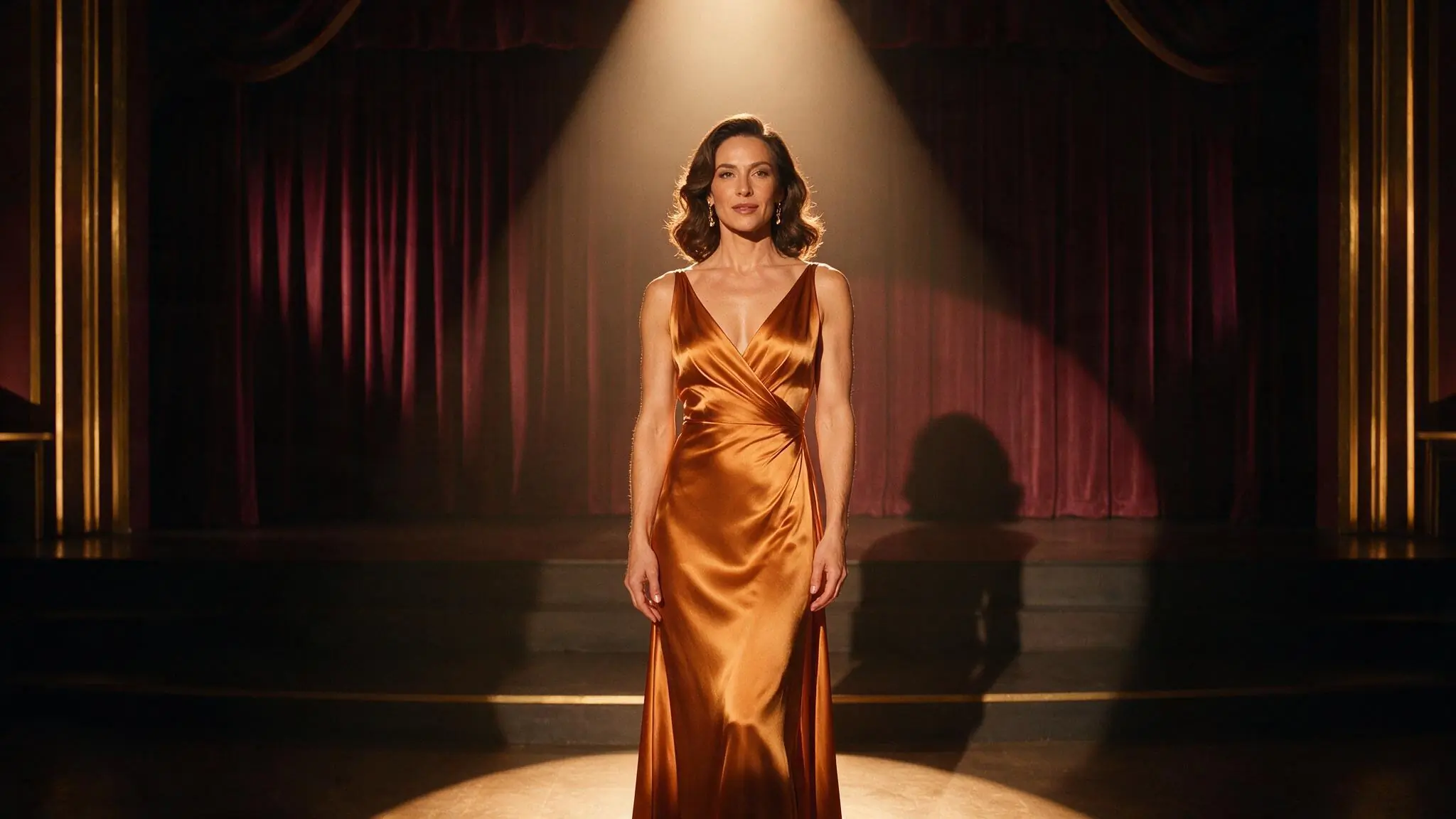
Separate the edit from what should remain
Decide which change matters most. Treat the original as a reference and inspect the new image before making another edit.
- 01
Inspect and authorize the source
Check the subject, framing and required consent. Upload only material accepted by the current model’s input requirements.
- 02
Name a change and a constraint
Request one new light, setting or styling direction. Name the composition or visual anchor you want the result to retain.
- 03
Review the new image
Check the edit alongside identity, anatomy and background changes. Save only a result you are authorized to use.
Three edits with a clear constraint
These illustrative briefs pair one edit with a composition constraint. The references are not before-and-after proof, and the prompts are suggested directions.
Swipe to compare the three examples.
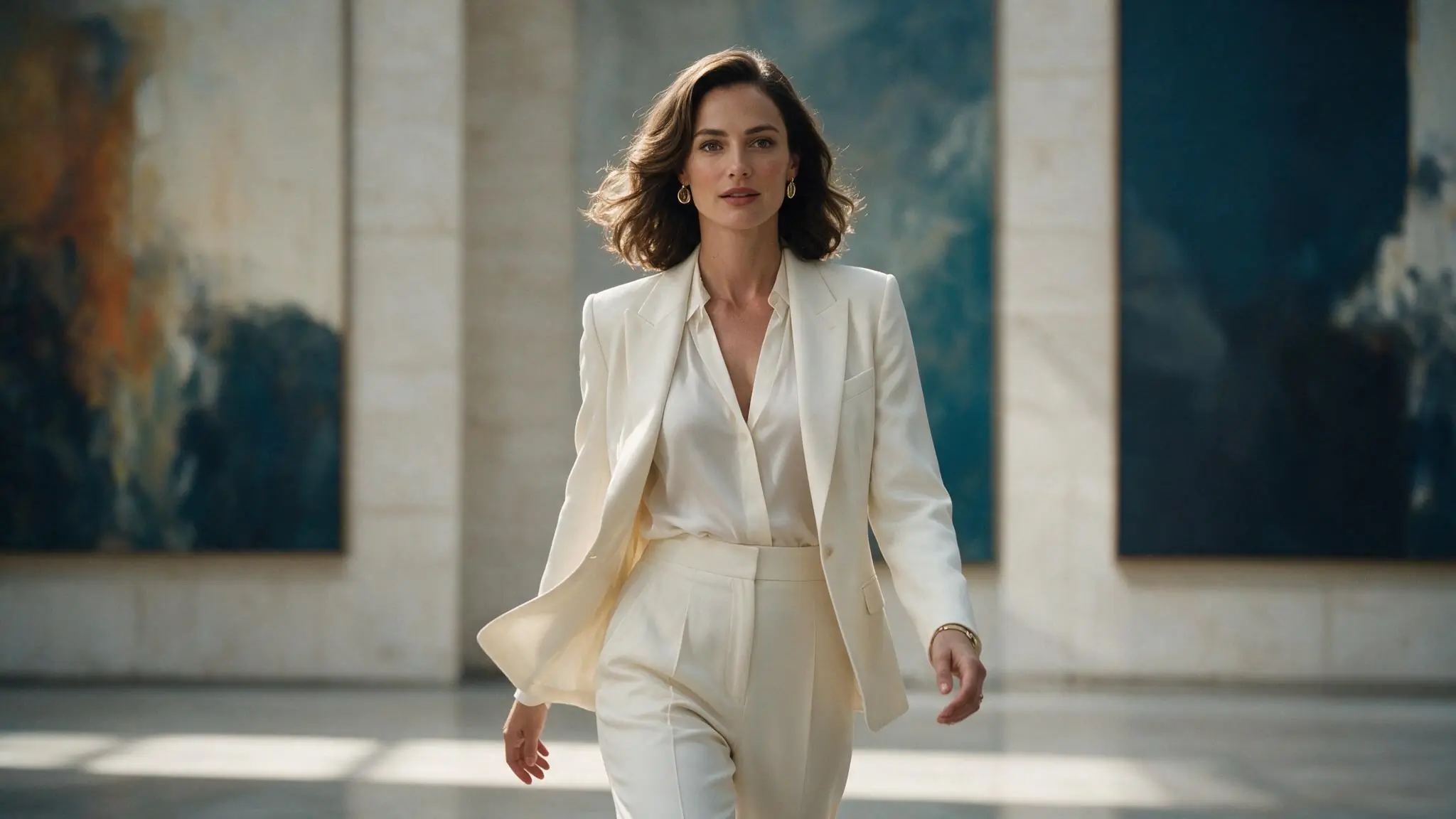
Change the color, keep the portrait
PromptChange an authorized adult gallery portrait’s jacket to deep red; keep a centered medium composition and soft daylight.
One styling instruction is easier to assess than a full scene rebuild.
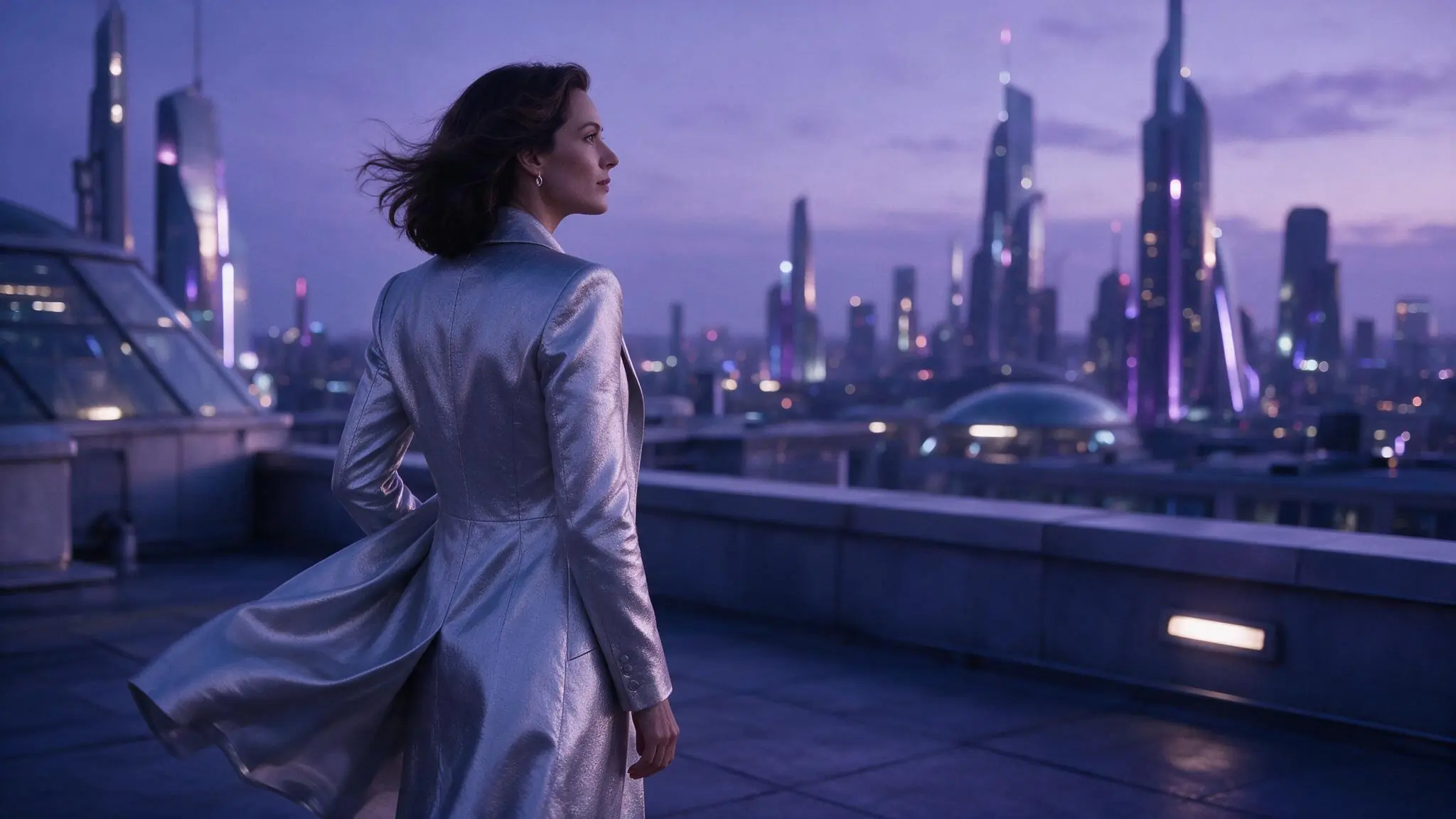
Change the setting, keep the silhouette
PromptMove an authorized adult silhouette to a cool rooftop setting; keep the central back-facing composition and negative space.
A named composition anchor guides the new generation without guaranteeing it.
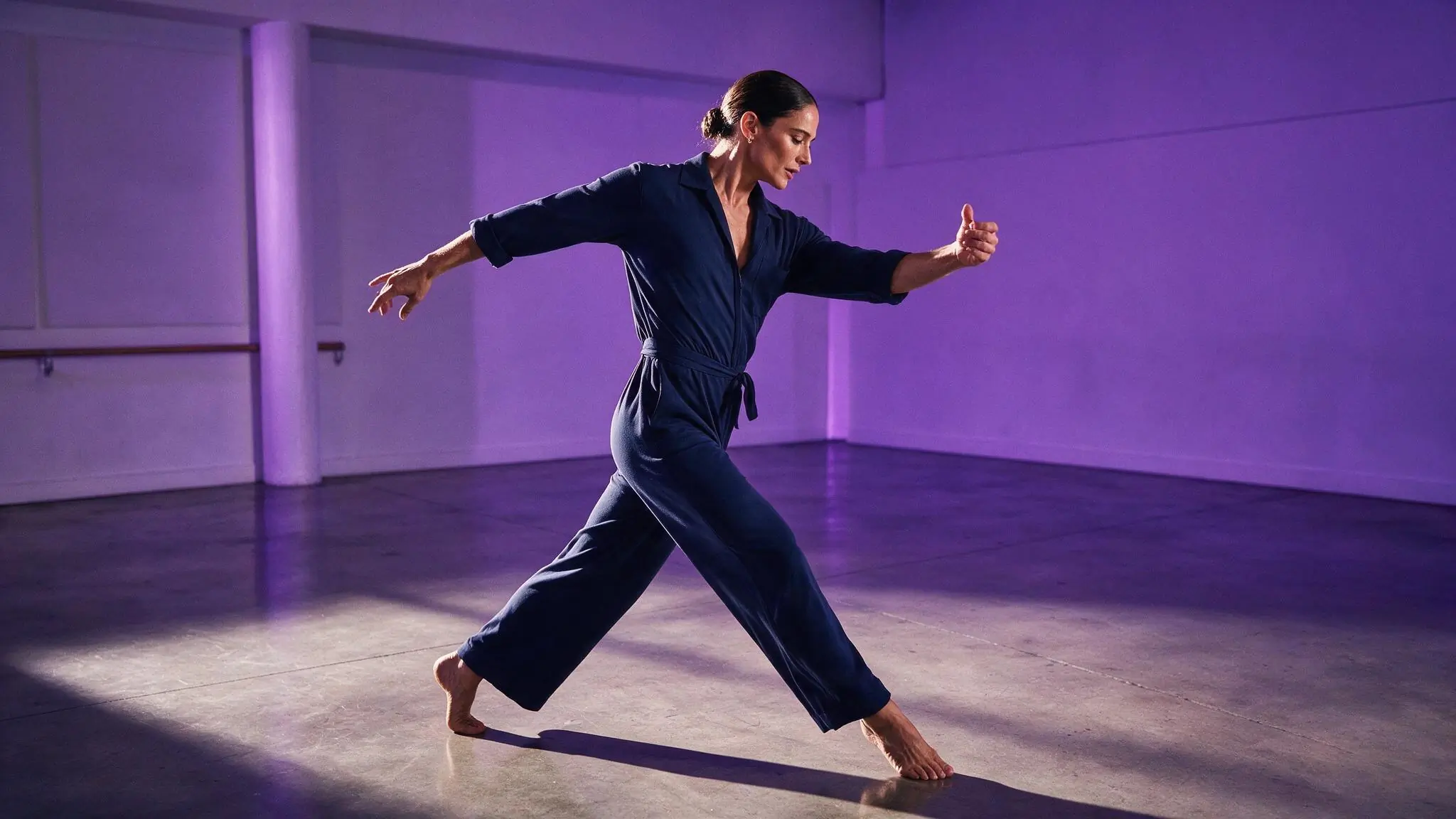
Change the light, keep the gesture
PromptChange an authorized adult rehearsal image to warm amber light; keep the open gesture and full-body framing important.
The instruction isolates a lighting change.
Choose controls for the intended edit
Keep comparisons simple. Use an available source-compatible model and avoid changing the framing and prompt at the same time.
| Goal | Focus on | Why it helps |
|---|---|---|
| Keep the framing readable | A canvas close to the source | A similar crop focuses attention on the requested change. |
| Change the environment | One destination and lighting direction | A coherent setting gives the request a clear target. |
| Prepare a frame for animation | A clear subject and silhouette | Inspect the edited source before a separate video request. |
| Compare edits | The same source and model | Change one instruction and review its effect. |
Check what changed unexpectedly
An edit is a new generation. Compare the source and result instead of assuming unmentioned details stayed the same.
- The identity changes
- Reduce the number of edits and inspect the result carefully; exact likeness is not guaranteed.
- The edit is barely visible
- Put the main change first and remove lower-priority instructions.
- The background becomes inconsistent
- Use one setting and one visual constraint.
- Successive edits lose the original direction
- Return to the strongest authorized source and request one consolidated change.
Image to Image questions
Answers specific to this tool and its input.
Only with the necessary rights and informed consent for the specific adult AI processing and intended use. Never use the editor for an unauthorized intimate likeness.
No. It generates a new image from the source and request. Review face, hands, pose, clothing, crop and background before saving.
You can use an authorized completed image when a video model accepts it. Inspect the edit first, then write a separate motion prompt and review the video Credit estimate.
Both use your account balance, but the cost depends on the model and setup. Check the estimate for this edit; do not assume it matches a Text to Image request.
This tool cannot submit an edit without a compatible model. Keep your original source, try another creation tool or return later. Use Retry if the model list failed to load.
Make the intended change explicit.
Name the change and keep the source handy to compare with the edited result.